Installation
Users looking to use NBomber Studio for the first time have two options available to them. One way is to use a hosted Studio in Docker, which is the simplest way to get started. Alternatively, users can install Studio in their own Kubernetes cluster. It is worth mentioning that the Load Testing in Kubernetes feature, which allows you to manage and deploy NBomber tests in Kubernetes, is not available when running in Docker.
NBomber Studio is provided as a Docker image and requires a Postgres database (with the TimescaleDB extension) for storing metrics. TimescaleDB is a Postgres extension for time series data. In our examples, we will use the timescaledb Docker image, which contains Postgres with TimescaleDB already installed. During the first run, TimescaleDB will run an auto-tune process to optimize Postgres for time-series workloads.
Docker
The simplest option for installing NBomber Studio is using Docker Compose. Below is an example of a docker-compose.yaml file that sets up both NBomber Studio and TimescaleDB.
services:
  timescaledb:
    image: timescale/timescaledb:2.25.0-pg18-oss
    command: postgres -c 'max_connections=500'
    restart: always
    ports:
      - "5432:5432"
    volumes:
      - nb_studio_data:/var/lib/postgresql/data
    environment:
      POSTGRES_DB: nb_studio_db
      POSTGRES_USER: timescaledb
      POSTGRES_PASSWORD: timescaledb
    healthcheck:
      test: ["CMD-SHELL", "pg_isready -d 'user=timescaledb dbname=nb_studio_db'"]
      interval: 5s
      timeout: 10s
      retries: 5
      start_period: 5s

  nbomber-studio:
    image: nbomberdocker/nbomber-studio:latest
    ports:
      - "5333:8080"
    depends_on:
      timescaledb:
        condition: service_healthy
    environment:
      POSTGRESQL__CONNECTIONSTRING: "Host=timescaledb;Port=5432;Username=timescaledb;Password=timescaledb;Database=nb_studio_db;Pooling=true;"

volumes:
  nb_studio_data:
    driver: local
You can find the complete example by this link.
Start NBomber Studio
To proceed with the installation, start NBomber Studio and its dependencies by running the following command inside the folder containing the docker-compose.yaml file:
docker compose up -d
Once the dependencies are up and running, open a web browser and navigate to NBomber Studio. It is hosted locally in Docker and accessible at the following address:
http://localhost:5333
You should see the login form.
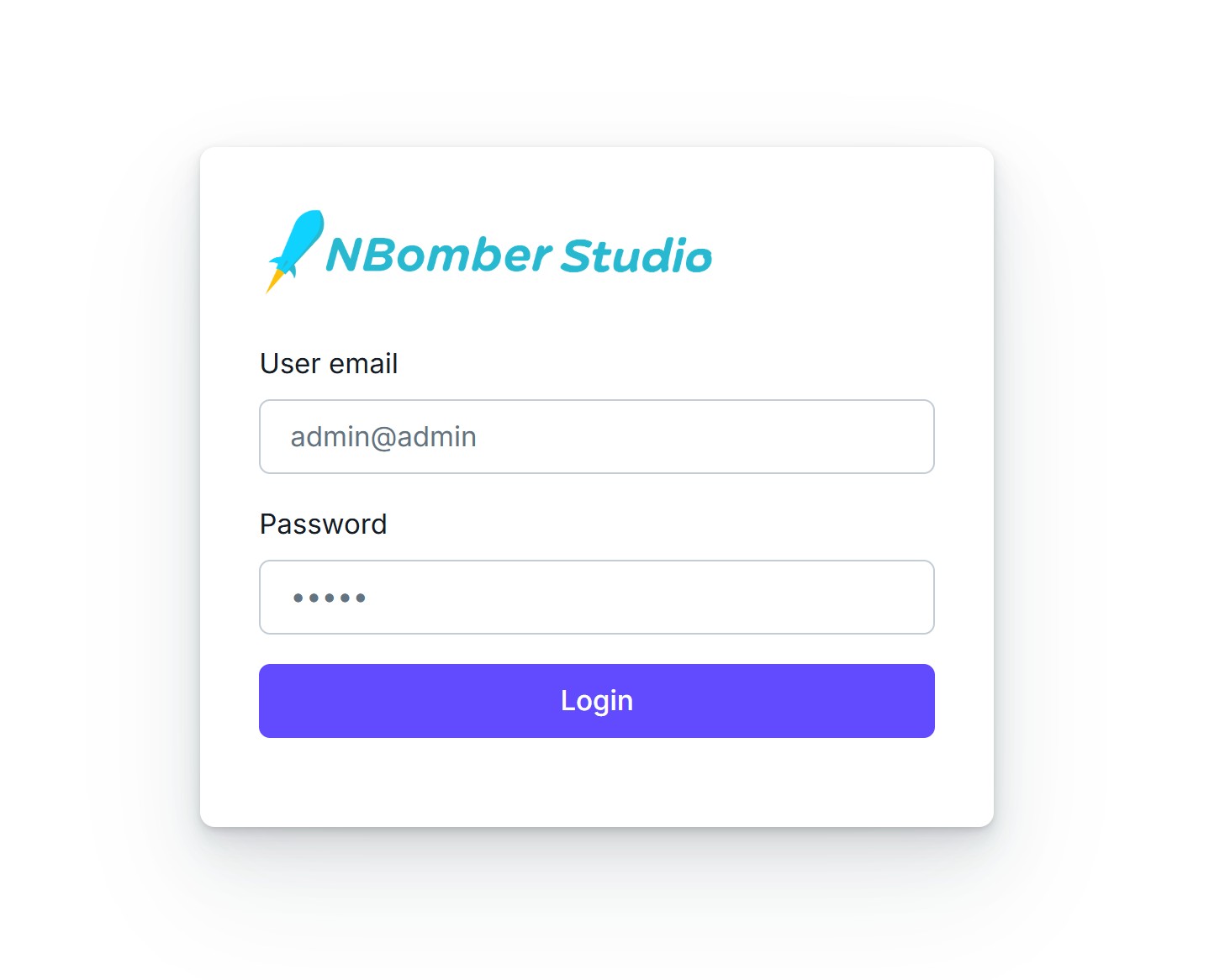
By default, NBomber Studio installs with StaticUserAuth enabled, and therefore you need to enter the default admin credentials.
email: admin@admin
password: admin
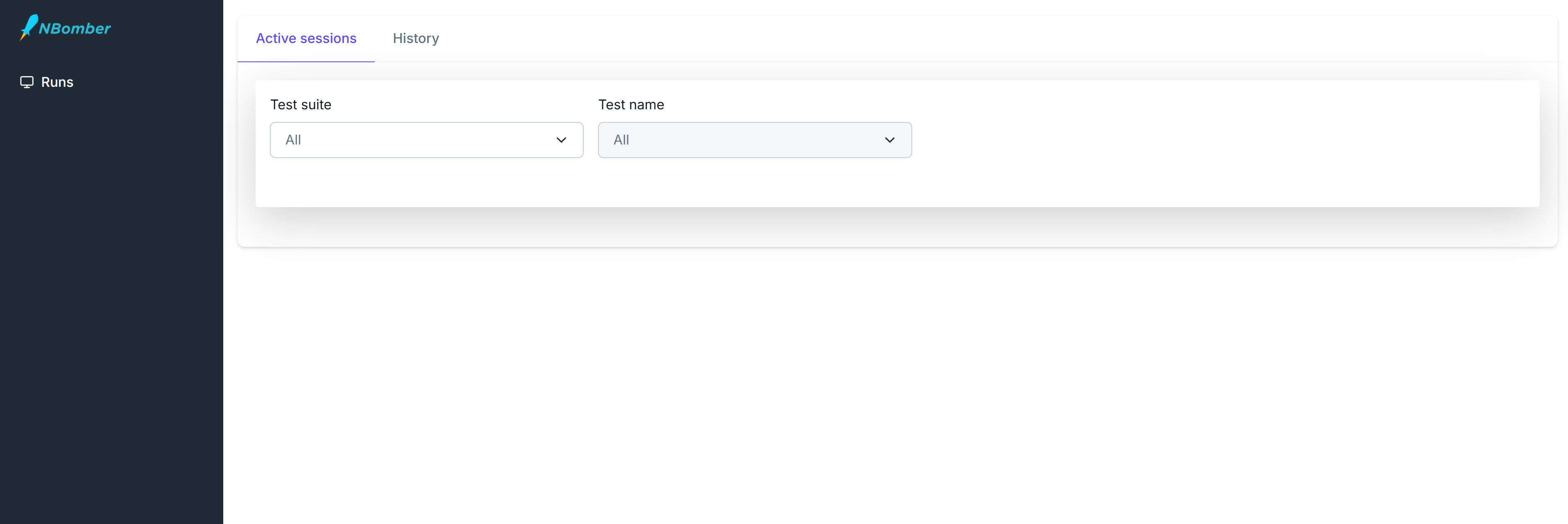
After entering the credentials, you should be redirected to the Sessions page. You will see a dashboard displaying active sessions, which will initially be empty.
Kubernetes
Prerequisites
- Kubernetes 1.20+
- Helm 3+
To install NBomber Studio in Kubernetes, we provide two Helm charts:
- Timescale - A Helm chart for deploying a single-node Timescale (OSS) instance to be used with NBomber Studio
- NBomber Studio - A Helm chart for NBomber Studio
Installing Timescale
Add repository
helm repo add timescale https://pragmaticflow.github.io/nbomber-timescale-helm/
This chart deploys:
- A single-node TimescaleDB (OSS) StatefulSet
- A ClusterIP service for internal access
- Optional secret management for PostgreSQL credentials
- Persistent storage for database data
- It is designed for simplicity and can be used in development, testing, or production environments.
Install chart
This chart requires a Postgres password to be set. You can do this via CLI args or via a Secret. For production setups, use a Secret. In the following example, we will use CLI args for simplicity:
helm install nbomber-timescale timescale/timescale --set postgresql.password=timescaledb
By default, this installs a TimescaleDB instance with:
- timescaledb database
- timescaledb user
- 5Gi persistent volume
For more detailed information about all available configuration options of this chart, please follow this link.
Installing NBomber Studio
Add repository
helm repo add nbomber-studio https://pragmaticflow.github.io/nbomber-studio-helm/
This chart deploys:
- An NBomber Studio Deployment
- A ClusterIP service for internal access
- Optional ConfigMap and Secret for configuration overrides
- Optional Ingress resource for external HTTPS access
- It is designed for simplicity and can be used in development, testing, or production environments.
Install chart
This chart requires a Postgres password to connect to TimescaleDB. You can do this via CLI args or via a Secret. For production setups, use a Secret. In the following example, we will use CLI args for simplicity:
helm install nbomber-studio nbomber-studio/nbomber-studio \
  --set config.secret.enabled=true \
  --set "config.secret.data.PostgreSql.ConnectionString=Host=nbomber-timescale;Port=5432;Username=timescaledb;Password=timescaledb;Database=timescaledb;Pooling=true;Maximum Pool Size=300;"
For more detailed information about all available configuration options of this chart, please follow this link.