Auth
You can configure NBomber Studio to authenticate users for SSO using different identity providers.
Static User Auth
For a quickstart or if you do not have an identity provider, you can configure NBomber Studio to use static users.
NBomber Studio does not store user credentials. It uses Bcrypt hashing for verification, so please use Bcrypt to hash your password. You can use any online Bcrypt hash generator to do this.
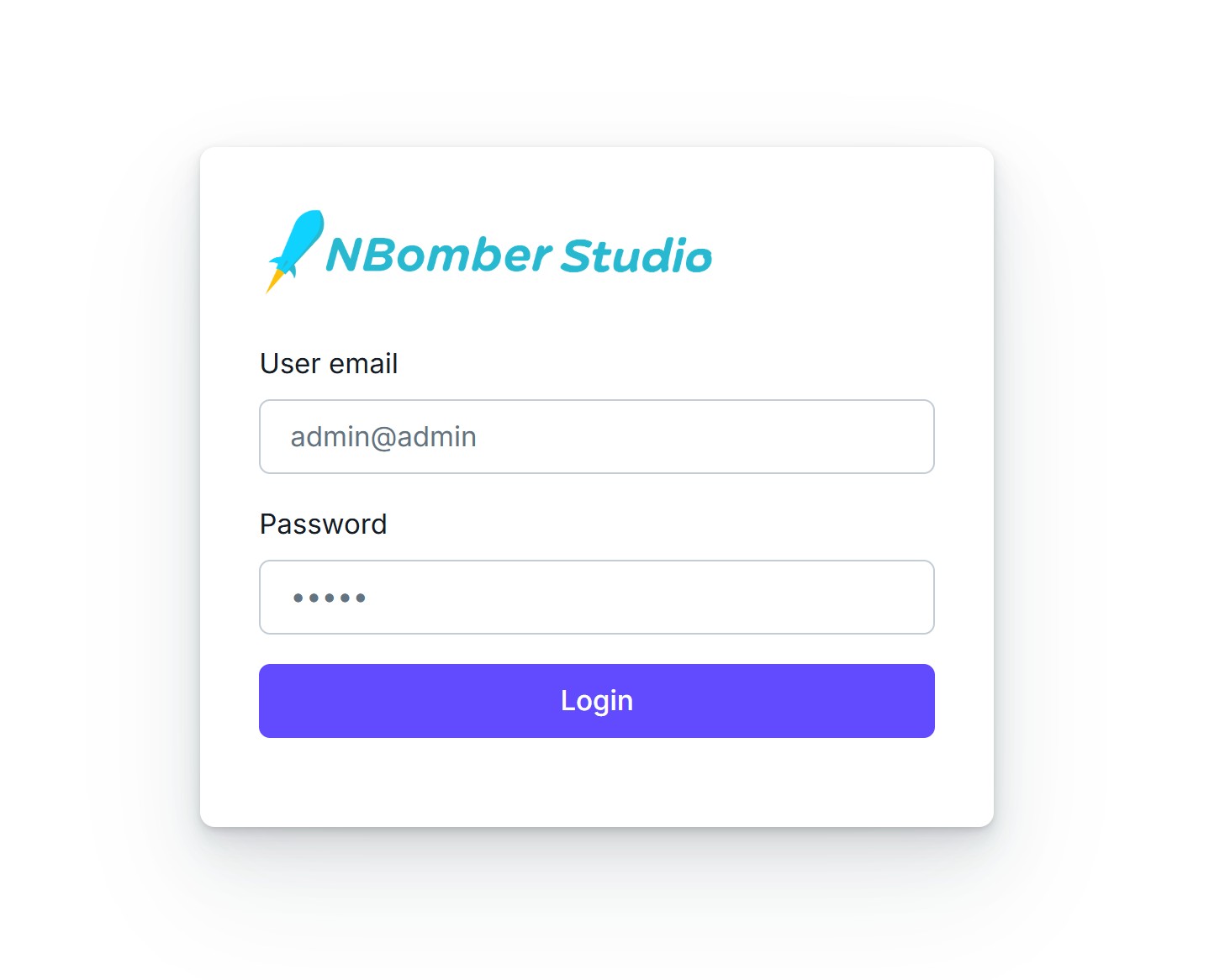
The default credentials for admin:
email: admin@admin
password: admin
Here is a configuration settings which you should use to enable StaticUserAuth and manage them.
{
    "Auth": {
        "Enabled": true,

        "JwtSecret": "YOUR_SECRET_KEY",

        "StaticUserAuth": {
            "Users": [
                {
                    "Email": "admin@admin",
                    "Hash": "$2y$10$heuMG7aElXF5IiS4rCN49.T.smRQfhlCmVuoAh/SPpjQ6YA6qzZO6", // password is 'admin'
                    "UserName": "admin"
                }
            ]
        }
    }
}
After restarting the NBomber Studio with StaticUserAuth enabled, you will be redirected to the following login form.
OIDC
To configure an OIDC provider, set the appropriate values in the config.json as shown in the Google example below.
Examples of OIDC providers include: Okta, Google, Salesforce, and Azure AD v2.
{
    "Auth": {
        "Enabled": true,

        "JwtSecret": "YOUR_SECRET_KEY",

        "OpenIDConnect": {
            "Authority": "https://accounts.google.com",
            "ClientId": "YOUR_CLIENT_ID",
            "ClientSecret": "YOUR_CLIENT_SECRET",
            "CallbackPath": "/signin-oidc"
        }
    }
}
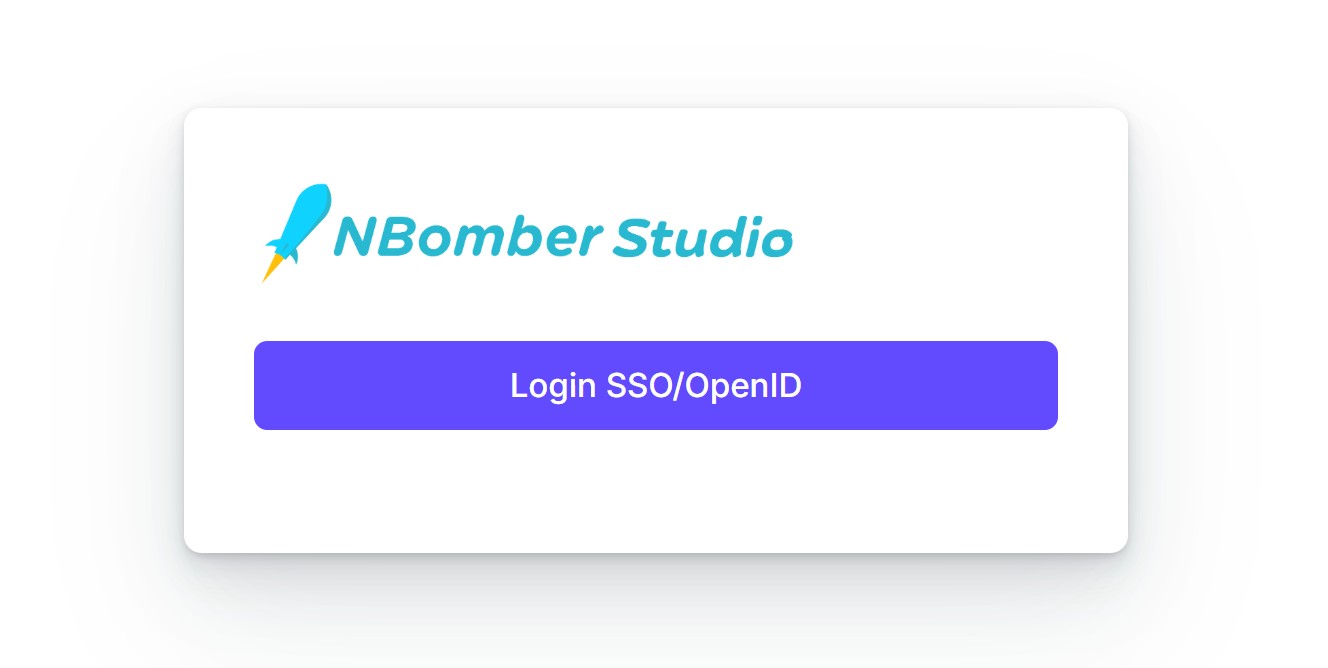
After restarting the NBomber Studio with OIDC enabled, you will be redirected to the following login form.
If required, Static Users can be enabled alongside OpenID Connect.
{
    "Auth": {
        "Enabled": true,

        "JwtSecret": "YOUR_SECRET_KEY",

        "StaticUserAuth": { ... },

        "OpenIDConnect": { ... }
    }
}