NBomber AI Skills
Many developers now write code together with an AI coding agent. An agent can write an NBomber test in seconds. But a load test that compiles is not always a load test that produces the right load and measures the right thing.
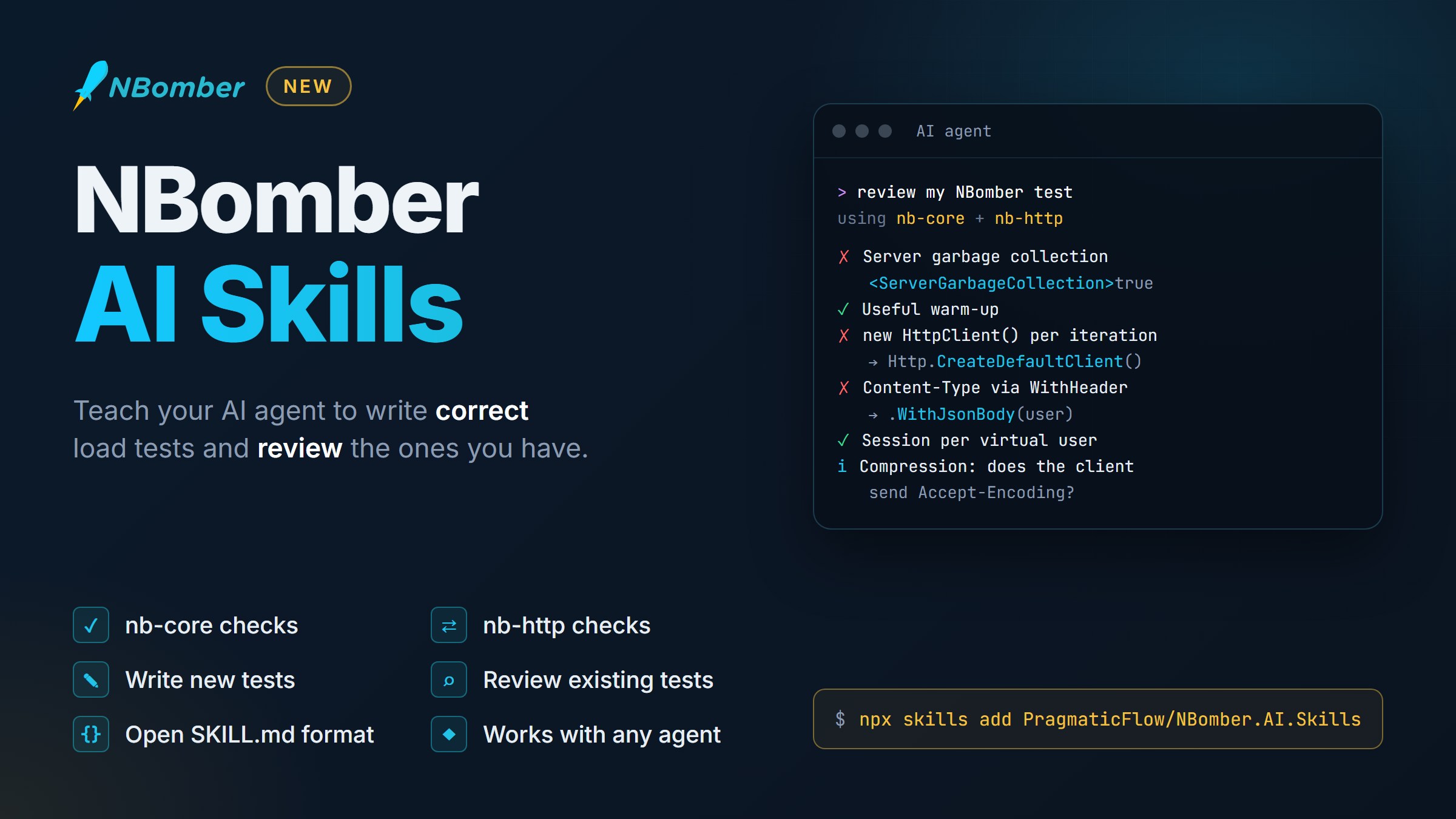
To fix this, we created NBomber AI Skills: a set of Agent Skills that give your AI agent the NBomber knowledge it needs to write correct load tests and to review the tests that you already have. The skills use the open SKILL.md format, so they work with any AI coding agent that supports Agent Skills, such as Claude Code, Codex, Cursor, or GitHub Copilot.
In this post, we show how to install the skills and how to use them.
What is an Agent Skill?
An Agent Skill is a reusable, structured package of instructions, workflows, and optional scripts that teaches an AI agent how to perform a specific task reliably. The agent reads the short description of each installed skill. When your request matches a skill, the agent loads the full instructions and follows them to write, fix, or improve your load test. Skills can also help you migrate to a newer API version or adopt recently released features.
You don't need to learn new commands. You ask in your own words, for example "review my NBomber test", and the agent uses the right skill.
Available skills
| Skill | What it does |
|---|---|
| nb-core | Writes and reviews any NBomber test, for any protocol. It checks the basic setup: GC settings, warm-up, etc. |
| nb-http | Writes and reviews NBomber HTTP scenarios and checks them against common HTTP patterns. |
Getting started
Prerequisites
- An AI coding agent that supports Agent Skills, such as Claude Code, Codex, Cursor, or GitHub Copilot.
- Node.js 22.20 or later, for the
skillsCLI.
Step 1: Install the skills
Each agent reads skills from its own skills folder. The easiest way to put them there is to use the skills.sh CLI. Run this command from the root folder of your project (the folder you open your agent in):
npx skills add PragmaticFlow/NBomber.AI.Skills
To see the skills in the repo without installing them, add --list:
npx skills add PragmaticFlow/NBomber.AI.Skills --list
You can also install the skills by hand. Clone the NBomber.AI.Skills repo, copy the skills/nb-core and skills/nb-http folders into your agent's skills folder, then delete the clone.
Step 2: Check the install
Start a new agent session (or restart the agent) so that it finds the new skills. Then ask the agent which skills it has. It should list nb-core and nb-http. In Claude Code, you can also type / and find them in the list.
Step 3: Ask in your own words
The agent loads the right skill automatically. Some examples:
- "check the setup of my NBomber project"
- "review my NBomber test in LoadTests/Program.cs"
- "write an NBomber scenario that logs in and then gets the user profile"
In agents that support slash commands, such as Claude Code, you can also start a skill directly with /nb-core or /nb-http.
Write a new test
Let's ask the agent for a new test:
write an NBomber scenario that logs in and then gets the user profile
With the skills installed, the agent makes the new code pass every check. For this request, it:
- creates one
HttpClientwithHttp.CreateDefaultClient(), outside the scenario lambda, and shares it between all virtual users, - sends the login body with
WithJsonBody, and reads the JSON response withSendRequest<T>, - sends the JWT token with each request in the
Authorizationheader, instead of changingDefaultRequestHeadersof the shared client, - checks that the login response really contains a token, so that the next step doesn't run with an empty value,
- asks you which compression the real clients use, instead of silently keeping the default,
- turns on server garbage collection in the project.
The result looks like this:
record LoginResult(string Token);

var httpClient = Http.CreateDefaultClient();   // one client for all virtual users

var scenario = Scenario.Create("user_profile", async context =>
{
    // log in once per virtual user, then reuse the token in every iteration
    if (!context.ScenarioInstanceData.ContainsKey("jwt_token"))
    {
        await Step.Run("login", context, async () =>
        {
            var request = Http.CreateRequest("POST", "https://nbomber.com/api/login")
                              .WithJsonBody(new { login = "user", password = "pass" });

            var response = await httpClient.SendRequest<LoginResult>(request);
            if (response.IsError)
                return response;

            var token = response.Payload.Value.Data?.Token;

            context.ScenarioInstanceData["jwt_token"] = token;   // keep the token for the next iterations
            return response;
        });
    }

    await Step.Run("get_profile", context, async () =>
    {
        var token = (string)context.ScenarioInstanceData["jwt_token"];

        var request = Http.CreateRequest("GET", "https://nbomber.com/api/profile")
                          .WithHeader("Authorization", $"Bearer {token}");   // this token goes only with this request

        return await httpClient.SendRequest(request);
    });

    return Response.Ok();
});
Review an existing test
The skills are also useful for the tests that you already have. Ask:
review my NBomber test in LoadTests/Program.cs
The agent runs every nb-core and nb-http check and reports each one as passed or failed. For each failed check, it shows the file and the line, explains the problem, and proposes the exact change. It doesn't change your code until you agree.
Here is an example of a report for a test that has some typical problems:
nb-core
  1. Server garbage collection         FAILED  LoadTests.csproj
     ServerGarbageCollection is missing. Add it and ConcurrentGarbageCollection.
  2. Useful warm-up                    passed  (default 30 seconds)
  3. No unnecessary IsError checks     passed

nb-http
  1. Http.CreateDefaultClient()        FAILED  Program.cs:14
     new HttpClient() has no connection lifetime and no load-testing settings.
  2. JSON bodies use WithJsonBody      FAILED  Program.cs:22
     Content-Type set with WithHeader is dropped, so the API returns 415.
  4. HttpClient is reused              FAILED  Program.cs:18
     A new client on every iteration: extra TCP/TLS handshakes and socket exhaustion.
  6. SendRequest, not Http.Send        FAILED  Program.cs:25
     Http.Send is obsolete (CS0618). Use httpClient.SendRequest(request).
  7. Compression                       info
     No compression. Do your real clients send Accept-Encoding?
  ...
Then you decide which fixes to apply.
Keep the skills up to date
We will keep improving the skills as NBomber evolves. To get the latest versions, use these commands:
| Command | What it does |
|---|---|
npx skills check | Checks whether updates are available. |
npx skills update | Updates the installed skills. |
npx skills remove nb-core nb-http | Removes the skills. |
What's next?
This is the first release of NBomber AI Skills, and we plan to add skills for more protocols. The skills are open source under the MIT license. If the agent gives you wrong advice, or you have an idea for a new check, please let us know on GitHub.
Thank you for being part of the NBomber community!
Happy load testing!