NBomber Studio 0.8.0
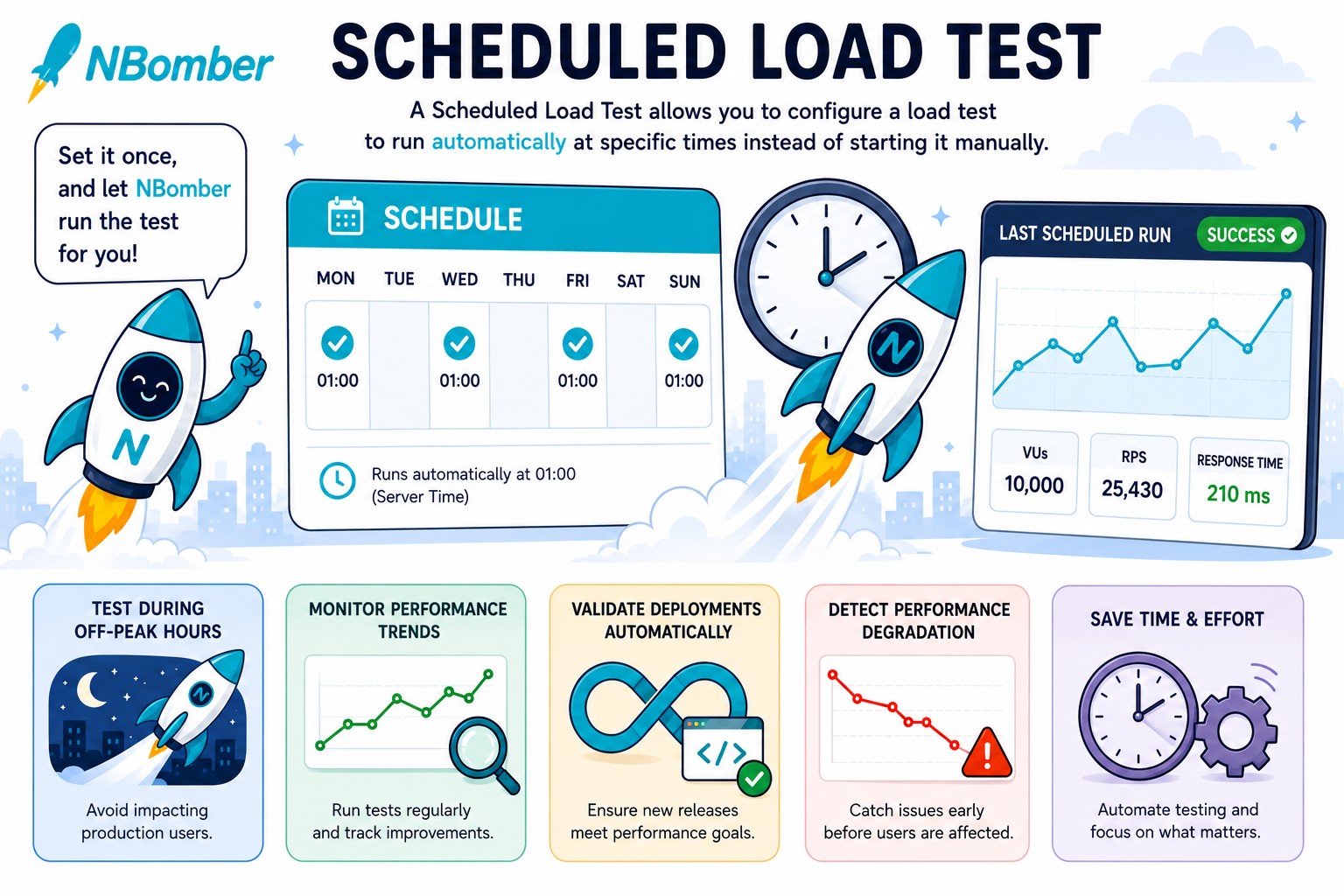
NBomber Studio 0.8.0 is out! This release brings Load Test Schedules — a long-requested feature that lets you run a load test automatically at specific times, so you no longer need to kick it off manually. We've also extended the Container Spec file, which now supports more standard Kubernetes settings and gives you the flexibility to pass secrets and other arguments via environment variables.
Load Test Schedules
Load Test Schedules let you configure a load test to run automatically at specific times, so you no longer need to kick it off manually.
Container Spec Settings
We've also extended the Container Spec settings for running load tests in Kubernetes. The following standard options are now available: volumeMounts, volumes, envFrom, and tolerations. Here's an example:
containers:
  resources:
    requests:
      cpu: "2"
      memory: "256Mi"

    limits:
      cpu: "4"
      memory: "1Gi"

  volumeMounts:
    - name: secret-volume
      mountPath: "/etc/secrets"
      readOnly: true

  envFrom:
    - prefix: APP_
      configMapRef:
        name: app-config
        optional: true
    - secretRef:
        name: app-secret
        optional: true

nodeSelector:
  nodepool: loadtest
  disktype: ssd

tolerations:
  - key: dedicated
    operator: Equal
    value: loadtest
    effect: NoSchedule

volumes:
  - name: secret-volume
    secret:
      secretName: app-secret
Auth Improvements
We added more flexibility to auth configuration. Starting from this version, you can enable or disable a specific auth provider via the Enabled: bool property in config.json.
"Auth": {
    "Enabled": true,

    "JwtSecret": "YOUR_SECRET_KEY",

    "StaticUserAuth": {
      "Enabled": true,
      "Users": [
        {
          "Email": "user_email@test",
          "Hash": "$2a$11$7MTzvj3mTFWVhOryGcDARe9ir0lFc/RPUThoCYBtJWKNff29TPWFC", // password is 'password'
          "UserName": "user"
        }
      ]
    },

    "OpenIDConnect": {
      "Enabled": true,
      "Authority": "https://accounts.google.com",
      "ClientId": "YOUR_CLIENT_ID",
      "ClientSecret": "YOUR_CLIENT_SECRET",
      "CallbackPath": "/signin-oidc"
    }
  }
UI/UX Improvements
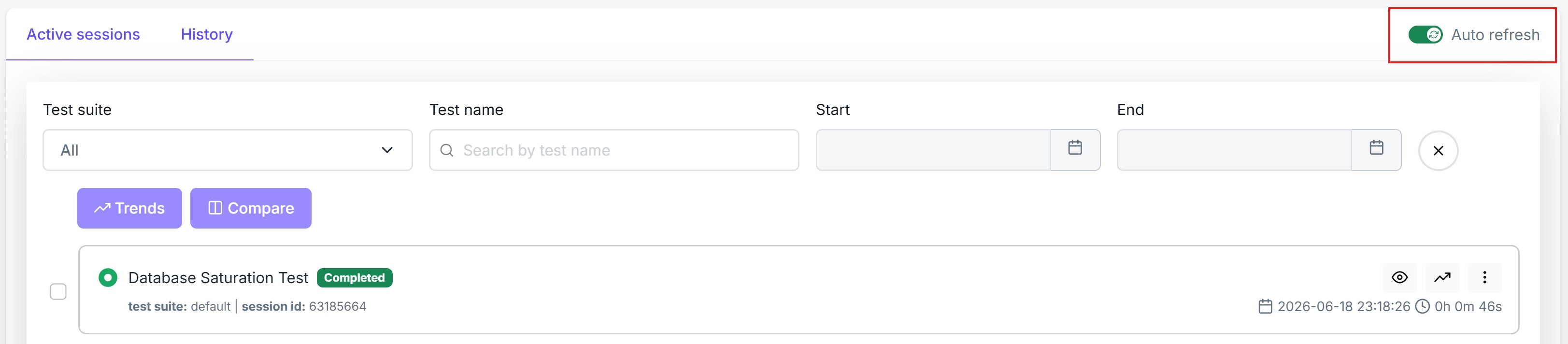
Auto refresh toggle
Auto refresh toogle is now available on all views, giving you full control over real-time updates.
New LoadTest tabs
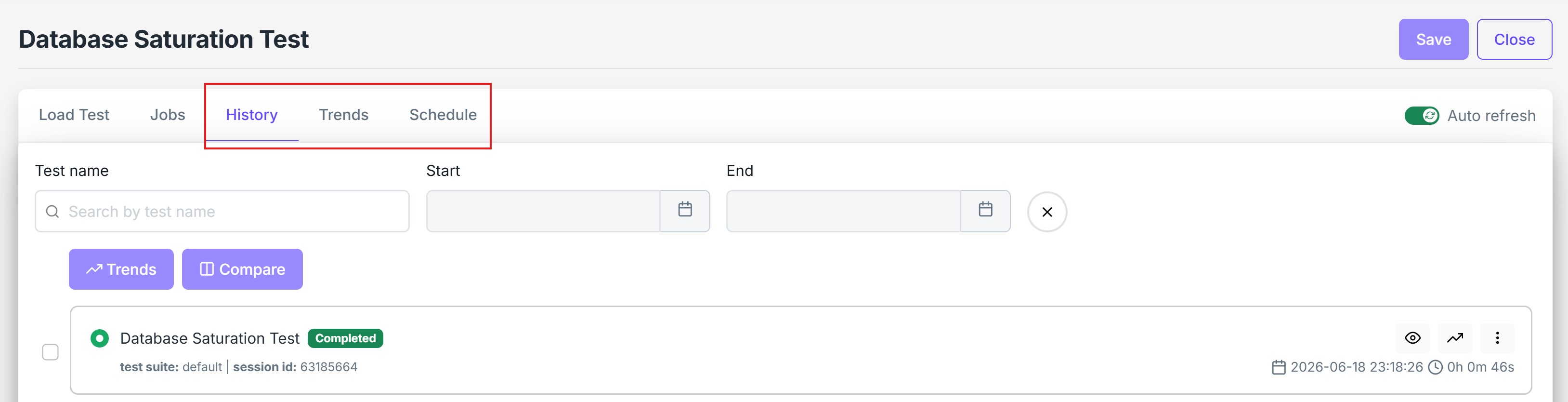
We added a few new tabs to the LoadTest view: History, Trends, and Schedule. They provide focused navigation and features specific to the selected load test.
License info tooltip
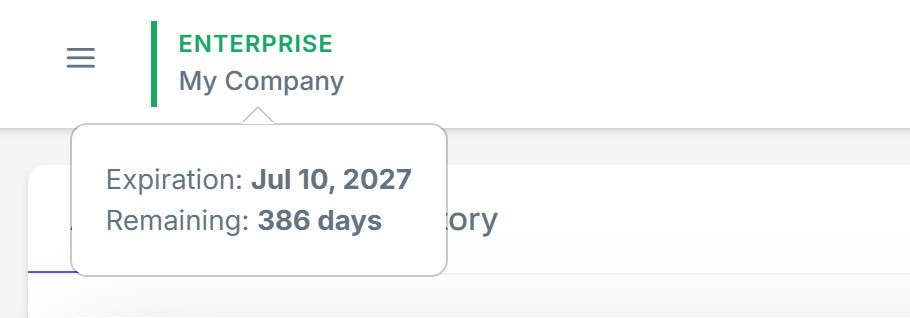
We added a handy license info tooltip that shows your license details, such as company name and expiration date.
What's next
- F# Script support
- Follow our Roadmap to see what's coming in the next release.